> ## Documentation Index
> Fetch the complete documentation index at: https://atmos.oxygen.wiki/llms.txt
> Use this file to discover all available pages before exploring further.
# Einstellungen
> Zugriff, Backups, Sprache und Verbindungsrouting verwalten
## Main
Öffnen Sie **Settings**. Unter **Main** finden Sie API Key, Master Password, PIN code, Language, Export files und Import files.
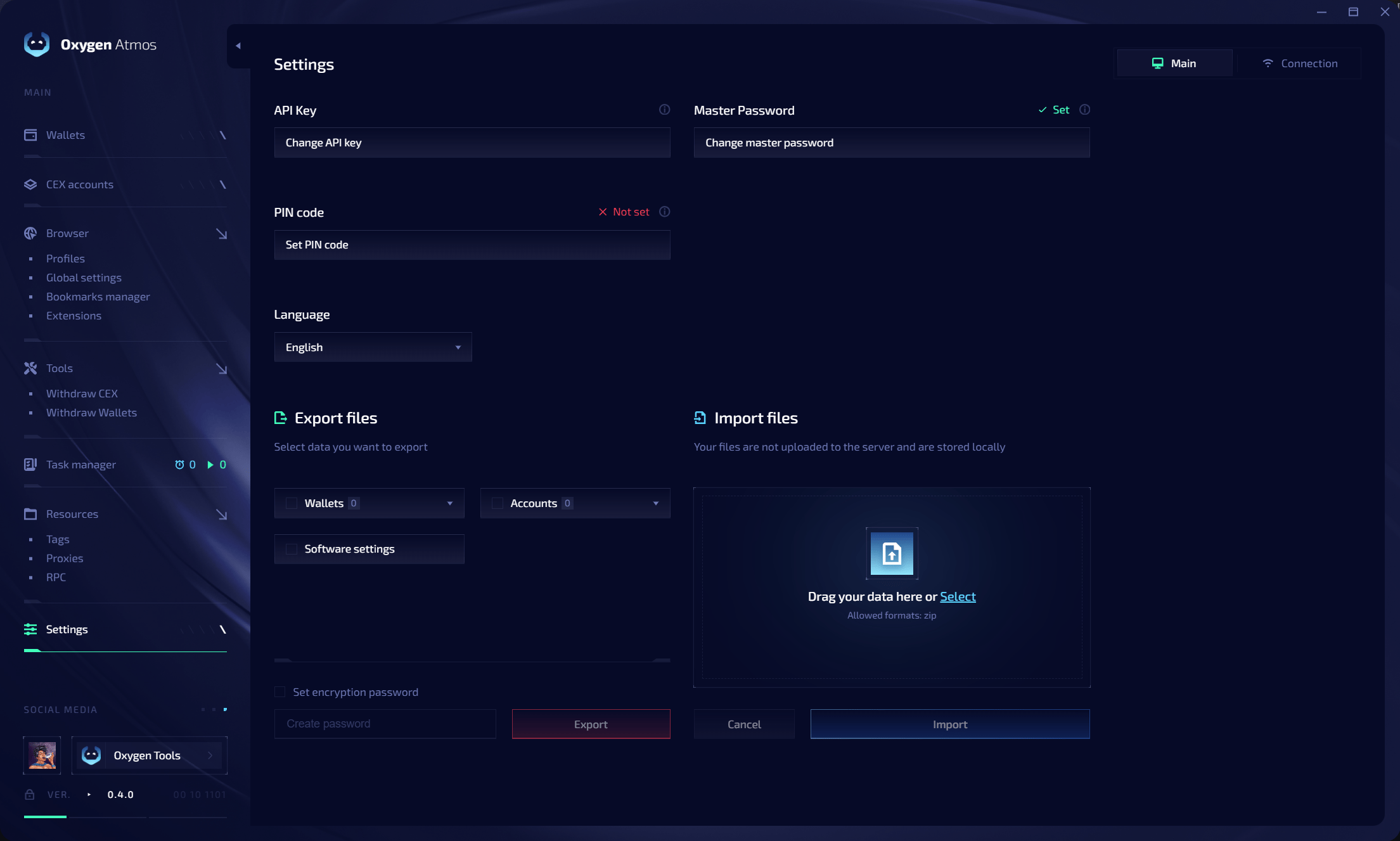 Exportieren Sie Wallets, Accounts oder Software settings als ZIP. Aktivieren Sie **Set encryption password**, um das Archiv zu schützen. Importdateien werden lokal verarbeitet und nicht auf einen Server hochgeladen.
## Connection
Exportieren Sie Wallets, Accounts oder Software settings als ZIP. Aktivieren Sie **Set encryption password**, um das Archiv zu schützen. Importdateien werden lokal verarbeitet und nicht auf einen Server hochgeladen.
## Connection
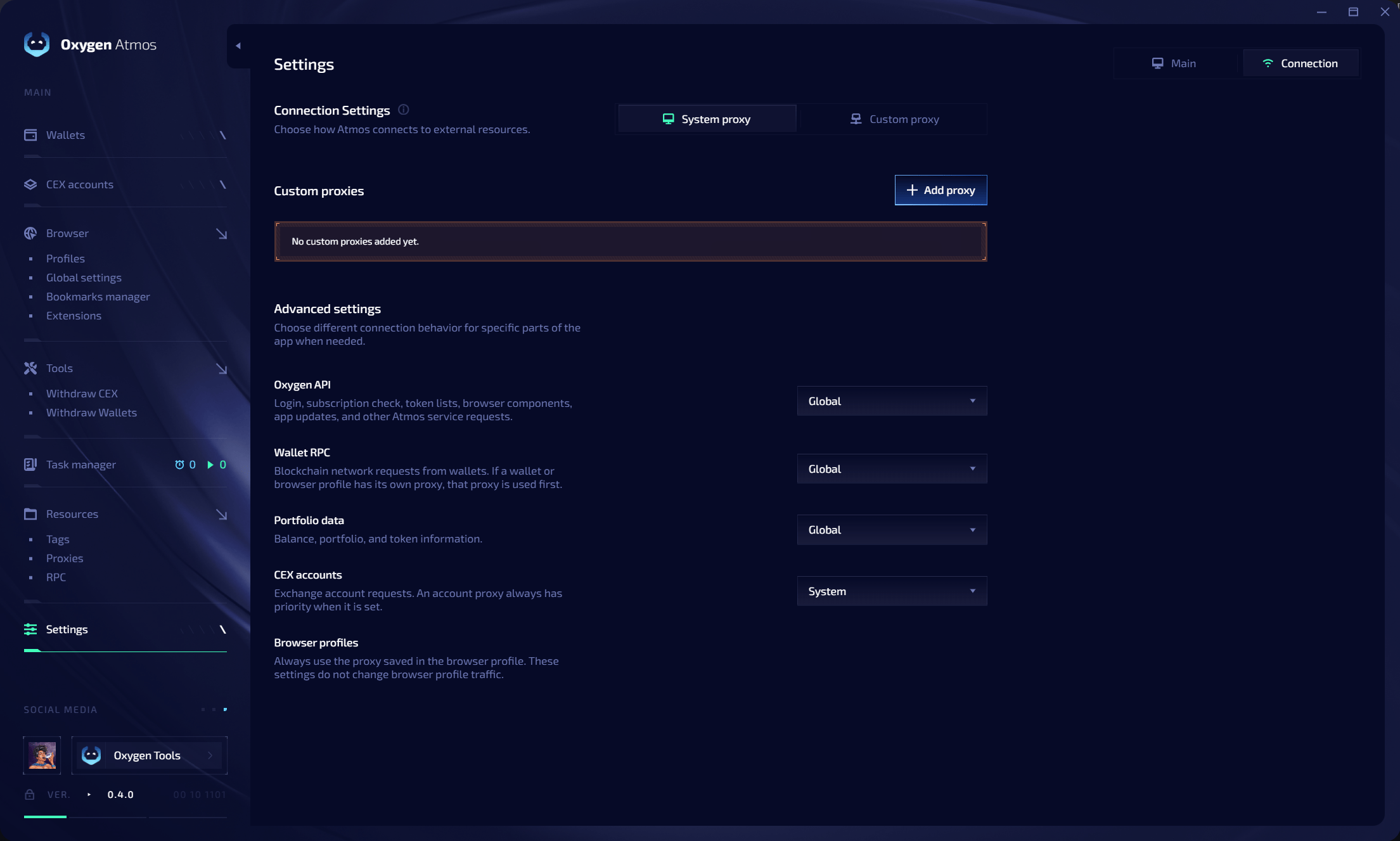 Wählen Sie **System proxy** oder **Custom proxy**. Das Routing kann separat für Oxygen API, Wallet RPC, Portfolio data und CEX accounts festgelegt werden. Ein Proxy des Wallets, verknüpften Profils oder Exchange Accounts hat Vorrang, wenn er konfiguriert ist.
Browser profiles verwenden immer den im Profil gespeicherten Proxy. Connection ändert diesen Traffic nicht.
## Verwandte Bereiche
* [Globale Einstellungen](/de/browser-profiles/global-settings)
* [Erweiterungen](/de/browser-profiles/extensions)
* [Tags](/de/resources/tags)
* [RPC](/de/resources/rpc)
Wählen Sie **System proxy** oder **Custom proxy**. Das Routing kann separat für Oxygen API, Wallet RPC, Portfolio data und CEX accounts festgelegt werden. Ein Proxy des Wallets, verknüpften Profils oder Exchange Accounts hat Vorrang, wenn er konfiguriert ist.
Browser profiles verwenden immer den im Profil gespeicherten Proxy. Connection ändert diesen Traffic nicht.
## Verwandte Bereiche
* [Globale Einstellungen](/de/browser-profiles/global-settings)
* [Erweiterungen](/de/browser-profiles/extensions)
* [Tags](/de/resources/tags)
* [RPC](/de/resources/rpc)