> ## Documentation Index
> Fetch the complete documentation index at: https://atmos.oxygen.wiki/llms.txt
> Use this file to discover all available pages before exploring further.
# RPC
> RPC Endpoints konfigurieren und ihren Zustand überwachen
Öffnen Sie **Resources → RPC**. Endpoints sind nach Netzwerk gruppiert und zeigen die Anzahl aktiver RPCs.
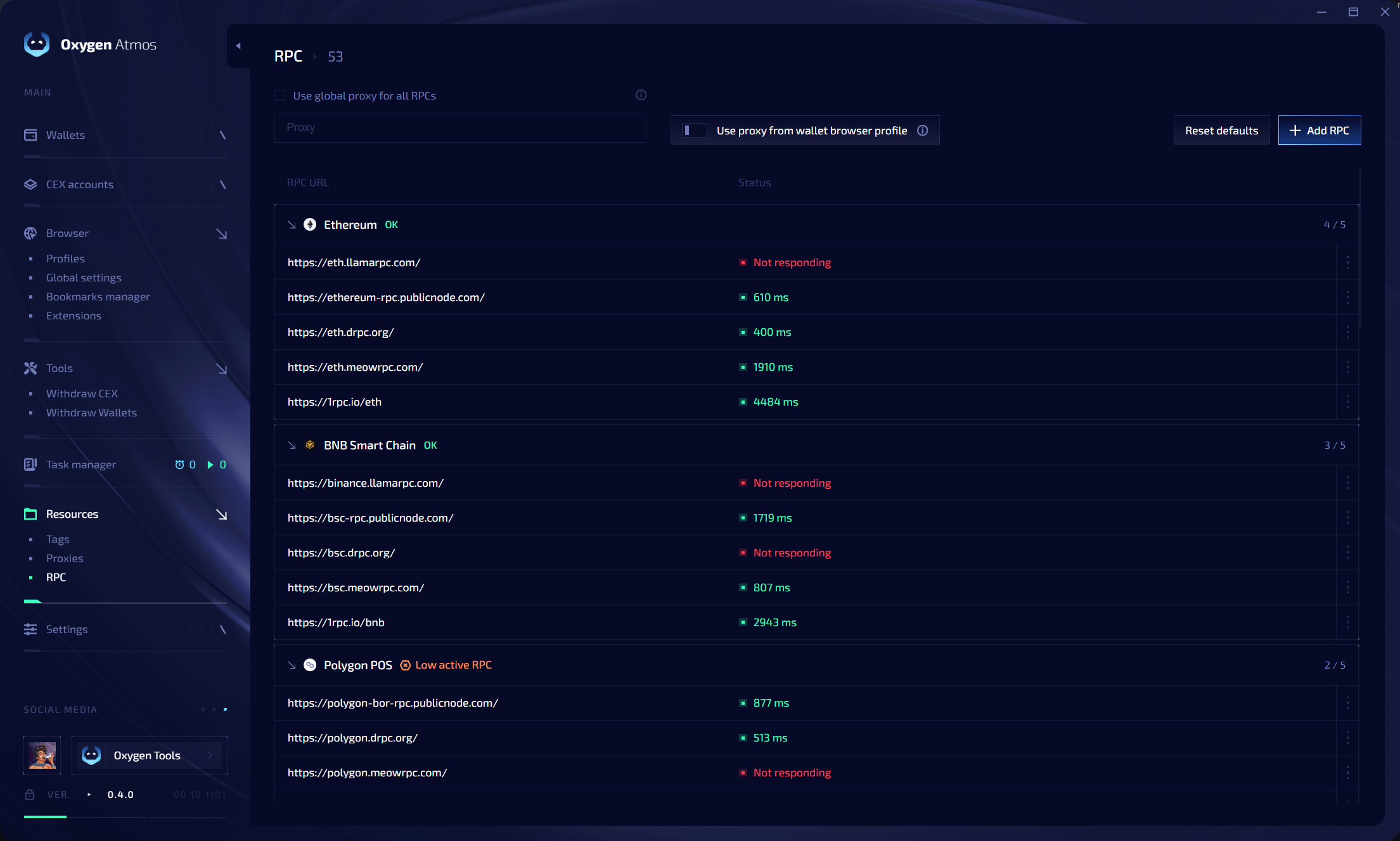 Verfügbar sind **Use global proxy for all RPCs**, **Use proxy from wallet browser profile**, **Reset defaults** und **Add RPC**. Erreichbare Endpoints zeigen ihre Latenz. Fehler erscheinen als **Not responding**; **Low active RPC** warnt vor zu wenigen aktiven Endpoints.