> ## Documentation Index
> Fetch the complete documentation index at: https://atmos.oxygen.wiki/llms.txt
> Use this file to discover all available pages before exploring further.
# RPC
> Monitor and configure RPC endpoints for supported EVM networks
## Overview
Open **Resources → RPC** to configure RPC endpoints and monitor their health.
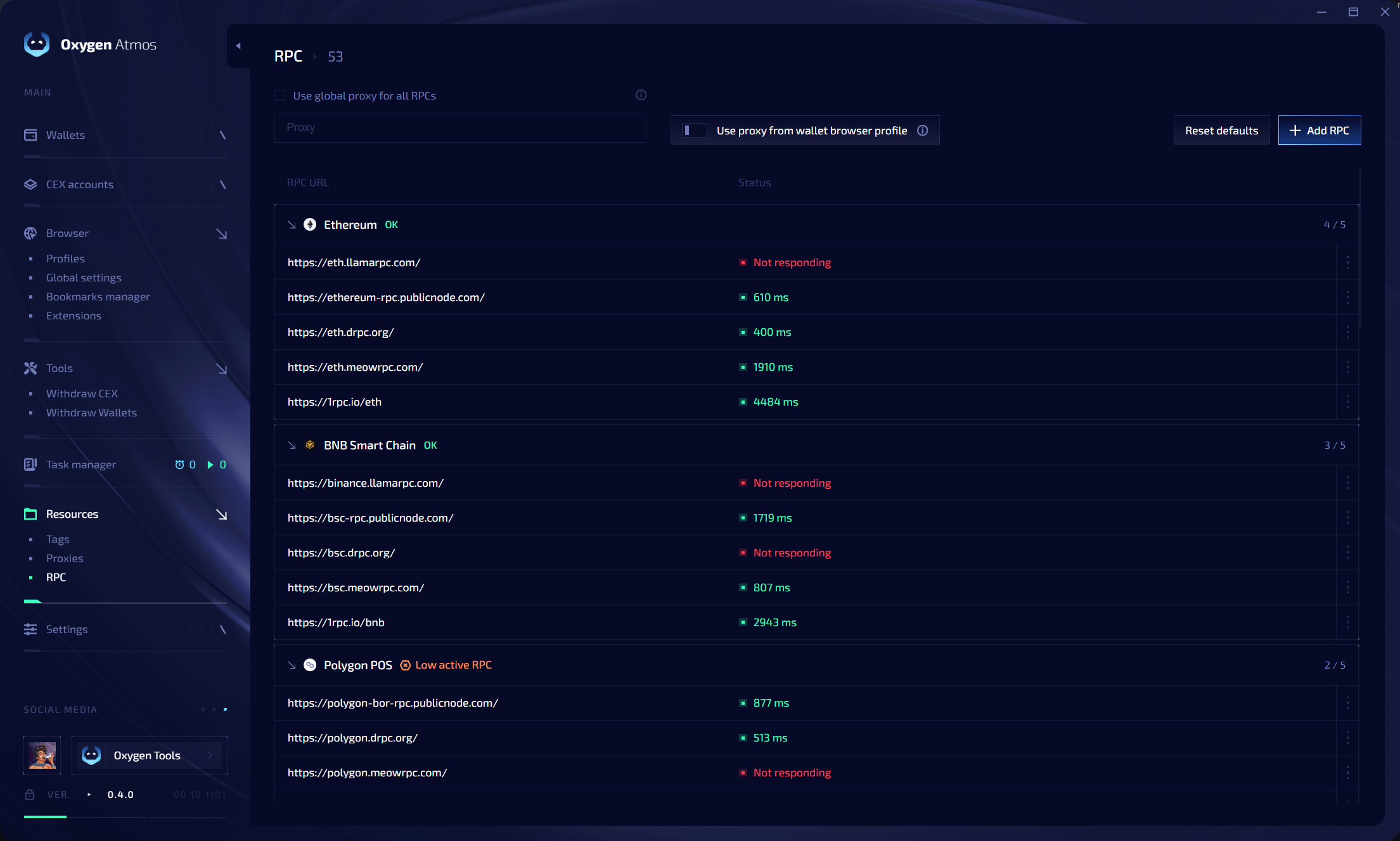 RPC endpoints are grouped by network. Each group shows the number of responding endpoints, such as **4 / 5**.
## Connection options
| Option | Description |
| ----------------------------------------- | --------------------------------------------------------- |
| **Use global proxy for all RPCs** | Route RPC requests through one selected proxy |
| **Use proxy from wallet browser profile** | Prefer the proxy attached to the wallet's browser profile |
| **Reset defaults** | Restore the default RPC configuration |
| **Add RPC** | Add a custom RPC endpoint |
## Health status
Each endpoint displays its current result:
* a response time in milliseconds when it is available;
* **Not responding** when the health check fails.
Networks with too few responding endpoints show **Low active RPC**. Use the action menu on an endpoint to edit or remove it.
## Add a custom RPC
Click **Add RPC**, select the network, enter the RPC URL, and save it. Oxygen Atmos checks the endpoint and includes it in the network health count.
RPC endpoints are grouped by network. Each group shows the number of responding endpoints, such as **4 / 5**.
## Connection options
| Option | Description |
| ----------------------------------------- | --------------------------------------------------------- |
| **Use global proxy for all RPCs** | Route RPC requests through one selected proxy |
| **Use proxy from wallet browser profile** | Prefer the proxy attached to the wallet's browser profile |
| **Reset defaults** | Restore the default RPC configuration |
| **Add RPC** | Add a custom RPC endpoint |
## Health status
Each endpoint displays its current result:
* a response time in milliseconds when it is available;
* **Not responding** when the health check fails.
Networks with too few responding endpoints show **Low active RPC**. Use the action menu on an endpoint to edit or remove it.
## Add a custom RPC
Click **Add RPC**, select the network, enter the RPC URL, and save it. Oxygen Atmos checks the endpoint and includes it in the network health count.