> ## Documentation Index
> Fetch the complete documentation index at: https://atmos.oxygen.wiki/llms.txt
> Use this file to discover all available pages before exploring further.
# 扩展
> 全局安装浏览器扩展,或根据配置文件标签加载扩展
打开 **Browser → Extensions** 管理 [Oxidium](/zh-Hans/browser-profiles/oxidium) 扩展。
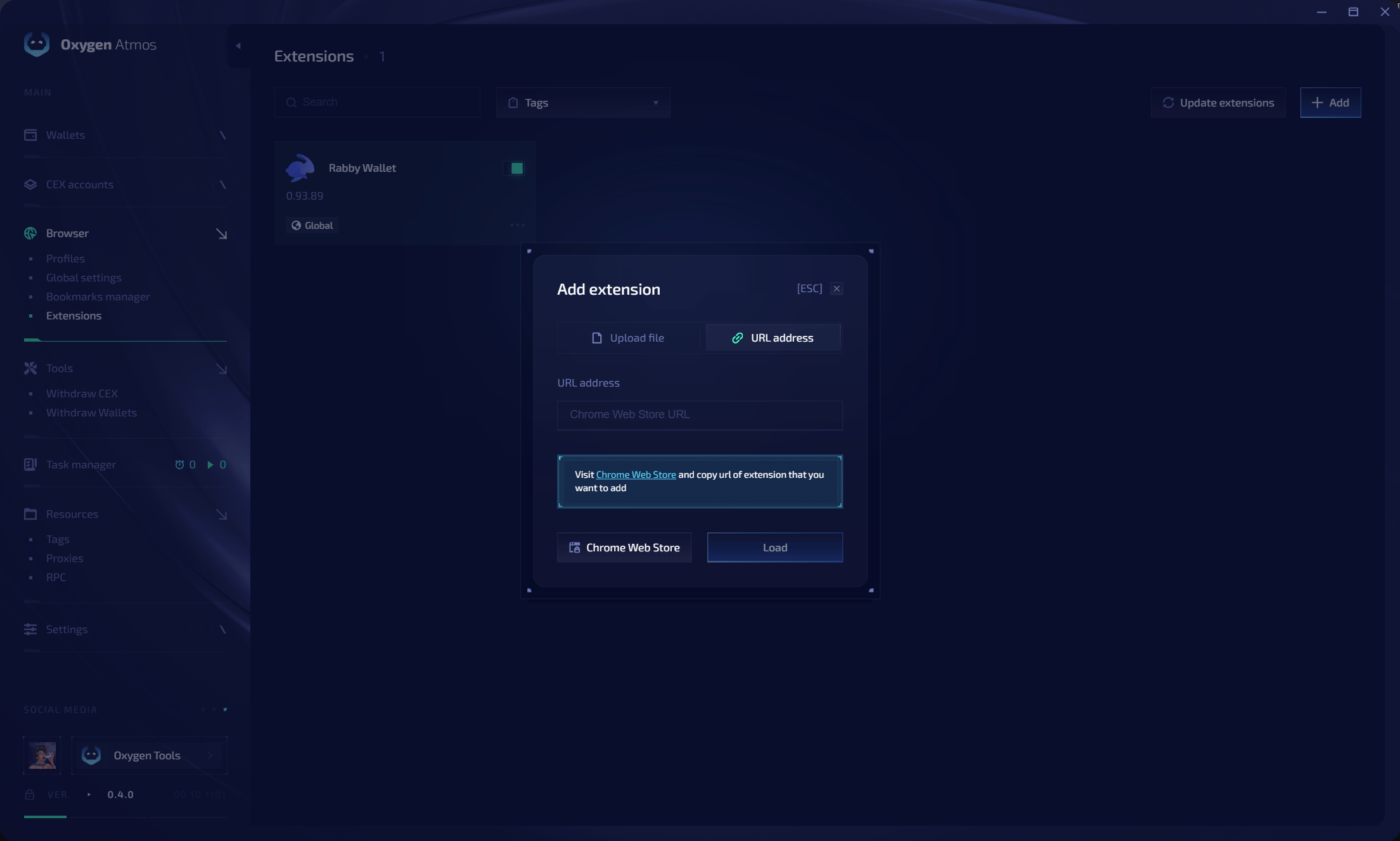 点击 **Add**,然后选择 **Upload file** 或 Chrome Web Store 的 **URL address**。扩展可以全局加载、按标签加载或禁用。使用 **Search**、**Tags** 和 **Update extensions**。更改后请重新启动配置文件。