> ## Documentation Index
> Fetch the complete documentation index at: https://atmos.oxygen.wiki/llms.txt
> Use this file to discover all available pages before exploring further.
# RPC
> 配置 RPC endpoints 并监控其状态
打开 **Resources → RPC**。Endpoints 按网络分组,并显示可用 RPC 数量。
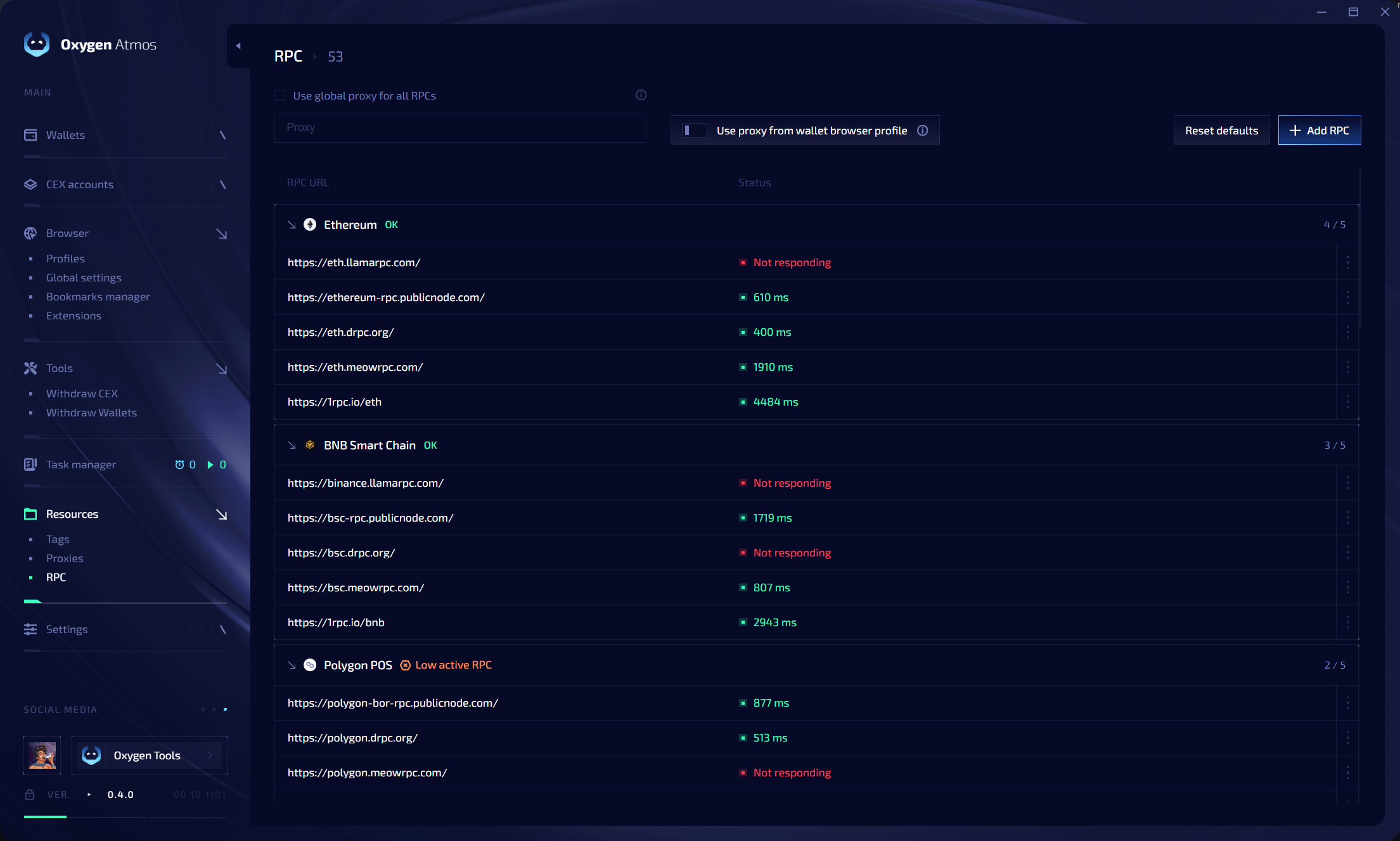 可用选项包括 **Use global proxy for all RPCs**、**Use proxy from wallet browser profile**、**Reset defaults** 和 **Add RPC**。可用 endpoint 显示延迟;失败时显示 **Not responding**。**Low active RPC** 表示可用 endpoints 太少。