

Overview
Open Resources → Tags to manage tags shared across Oxygen Atmos.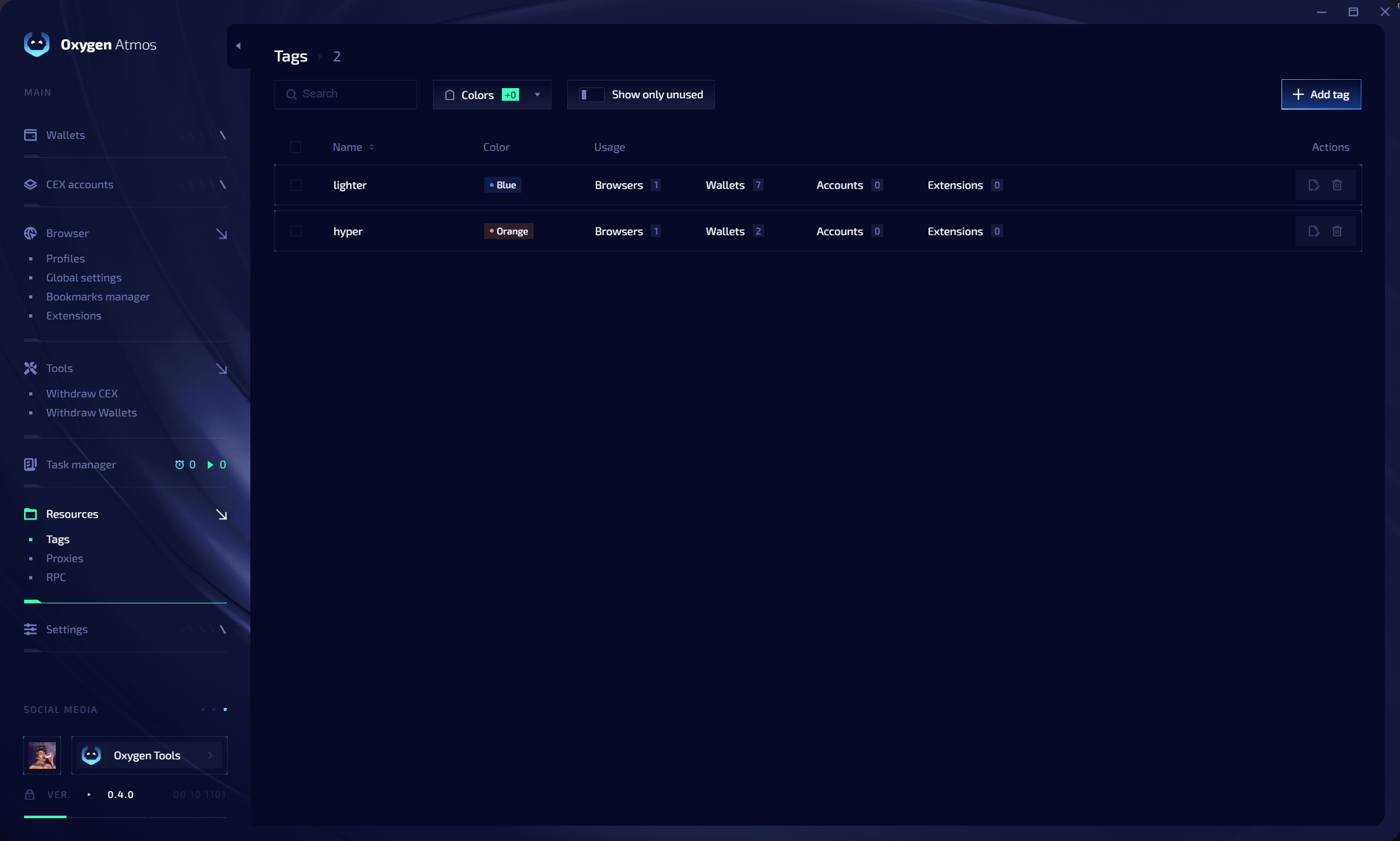
Tag table
Use Search, Colors, and Show only unused to filter the table.
Create a tag
Click Add tag, enter a name, choose a color, and save it. You can then assign the tag while importing wallets, creating profiles, adding exchange accounts, configuring extensions, or routing bookmarks to profile groups.Edit or delete tags
- Edit a tag to update its name or color everywhere it is used.
- Select one or more tags to delete them.