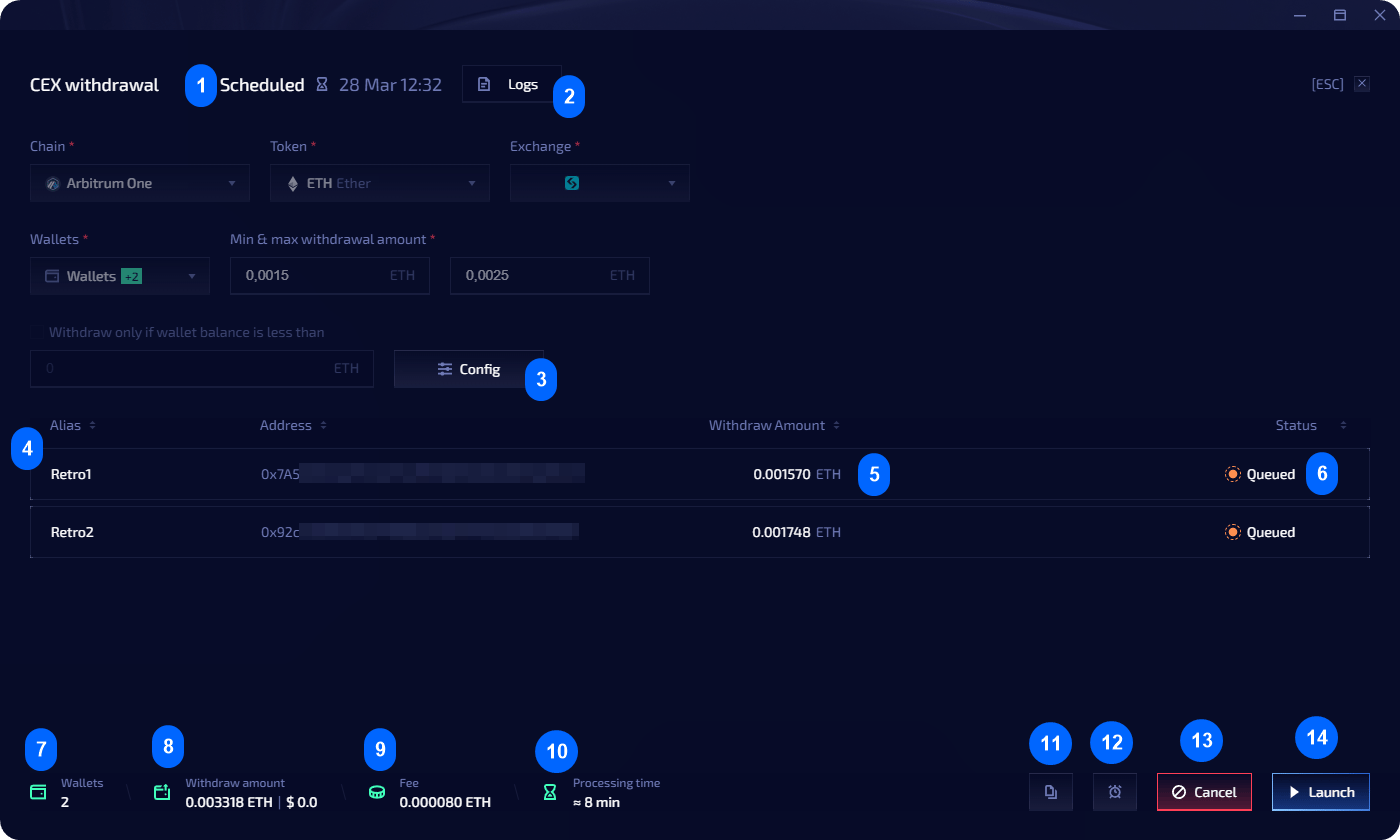
Create a scheduled task
Tasks are created from the transfer module — either CEX withdrawal or wallet withdrawal.1
Configure a transfer
Navigate to Transfers in the left sidebar and set up your withdrawal parameters.
2
Preview
Click Preview to review the operation.
3
Postpone
Click Postpone instead of Launch.
4
Set schedule
Pick the date and time for execution.
5
Confirm
The task appears in the Scheduled tab of the Task Manager.
Edit a scheduled task
In the Scheduled tab, click Open on a task to view and edit it. Changes are saved automatically when you close the editor.