
Overview

Open Browser → Bookmarks manager to manage bookmarks for Oxidium profiles.
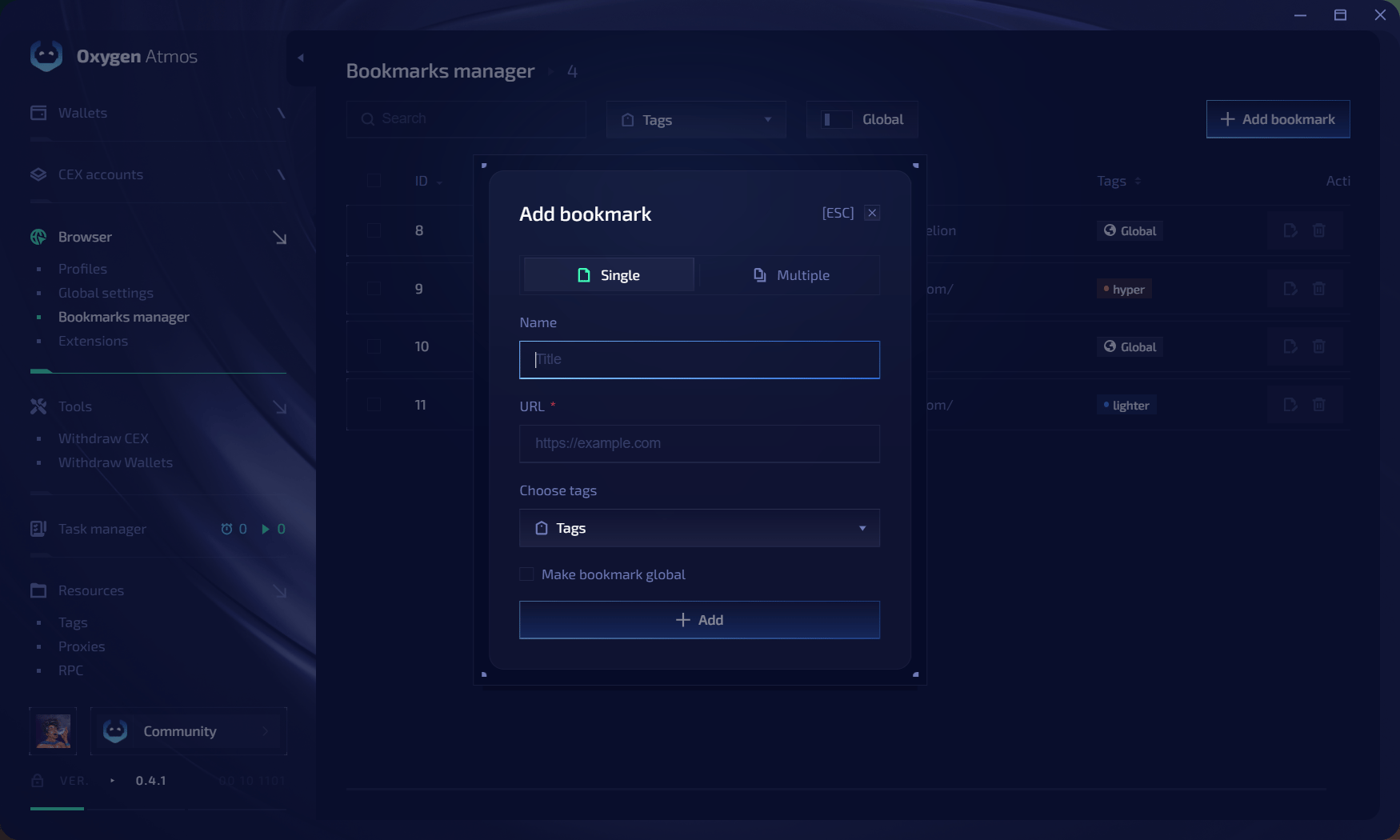
Bookmarks manager with the add bookmark dialog
A bookmark can be global or tag-based:

Add one bookmark

1

Open the add dialog

Click Add bookmark, then select Single.
2

Enter the bookmark

Enter its name and URL.
3

Choose profiles

Select profile tags or enable Make bookmark global.
4

Save the bookmark

Click Add.

Add multiple bookmarks

Select Multiple and enter one bookmark per line in this format:
For example:
Select profile tags or enable Make bookmark global, then click Add. The selected assignment applies to every bookmark in the input.

Find and manage bookmarks

Use Search, Tags, and Global to filter the list. Use the actions on a bookmark row to edit or delete it.