

Overview
Open Browser → Global settings to configure the defaults used when you create browser profiles. You can override these values for an individual profile in the profile editor.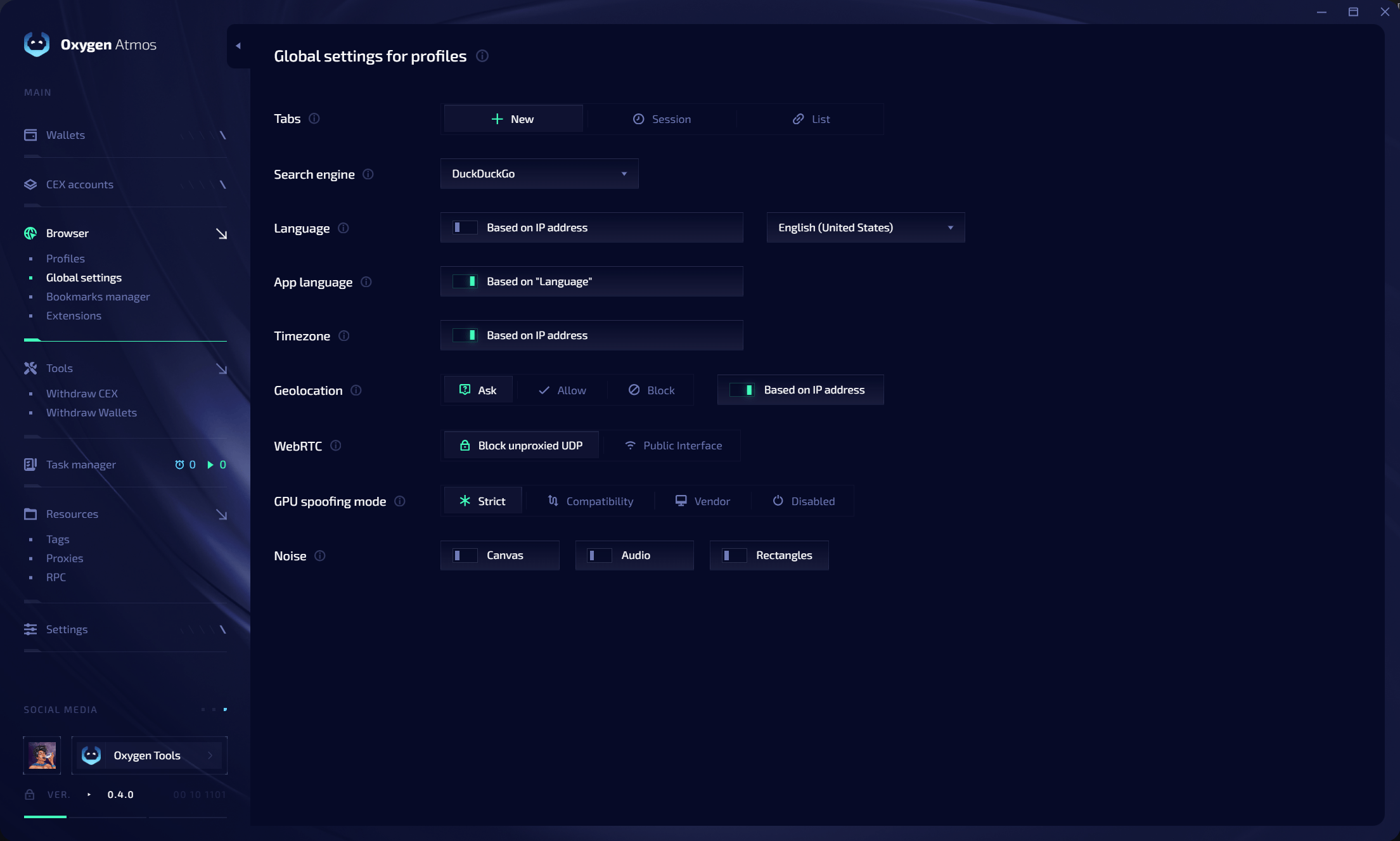
Startup tabs
Choose what opens when a profile starts:
Use List when every new profile should open the same set of websites. You can select a different mode when creating or editing a profile.
Locale and location
Keep language, timezone, geolocation, and proxy location aligned to maintain a coherent profile identity.
WebRTC and UDP protection
The default Block unproxied UDP policy allows UDP traffic only when Oxygen Atmos can send it through the profile proxy. This applies to UDP-based traffic such as WebRTC, QUIC, and HTTP/3.- If the proxy supports UDP, Oxygen Atmos sends supported UDP traffic through the proxy.
- If Oxygen Atmos cannot proxy the UDP traffic, it blocks that traffic instead of allowing a direct connection.
- Blocking direct UDP prevents websites from discovering the device’s real IP address by bypassing the profile proxy.
- Proxies without UDP support remain usable for TCP traffic.
GPU spoofing
Noise
You can independently enable noise for:- Canvas
- Audio
- Rectangles