

Overview
Mass creation lets you generate multiple browser profiles in a single operation. Each profile gets its own fingerprint and can receive wallets, proxies, social tokens, tags, and browser preference overrides. Use bulk creation when you already have wallets in Oxygen Atmos and want to create one profile per wallet. Use file import when you need row-level control from a spreadsheet.Bulk create
1
Open bulk creation
Click New Profile and select the bulk creation option.
2
Configure options
Select the input groups you need: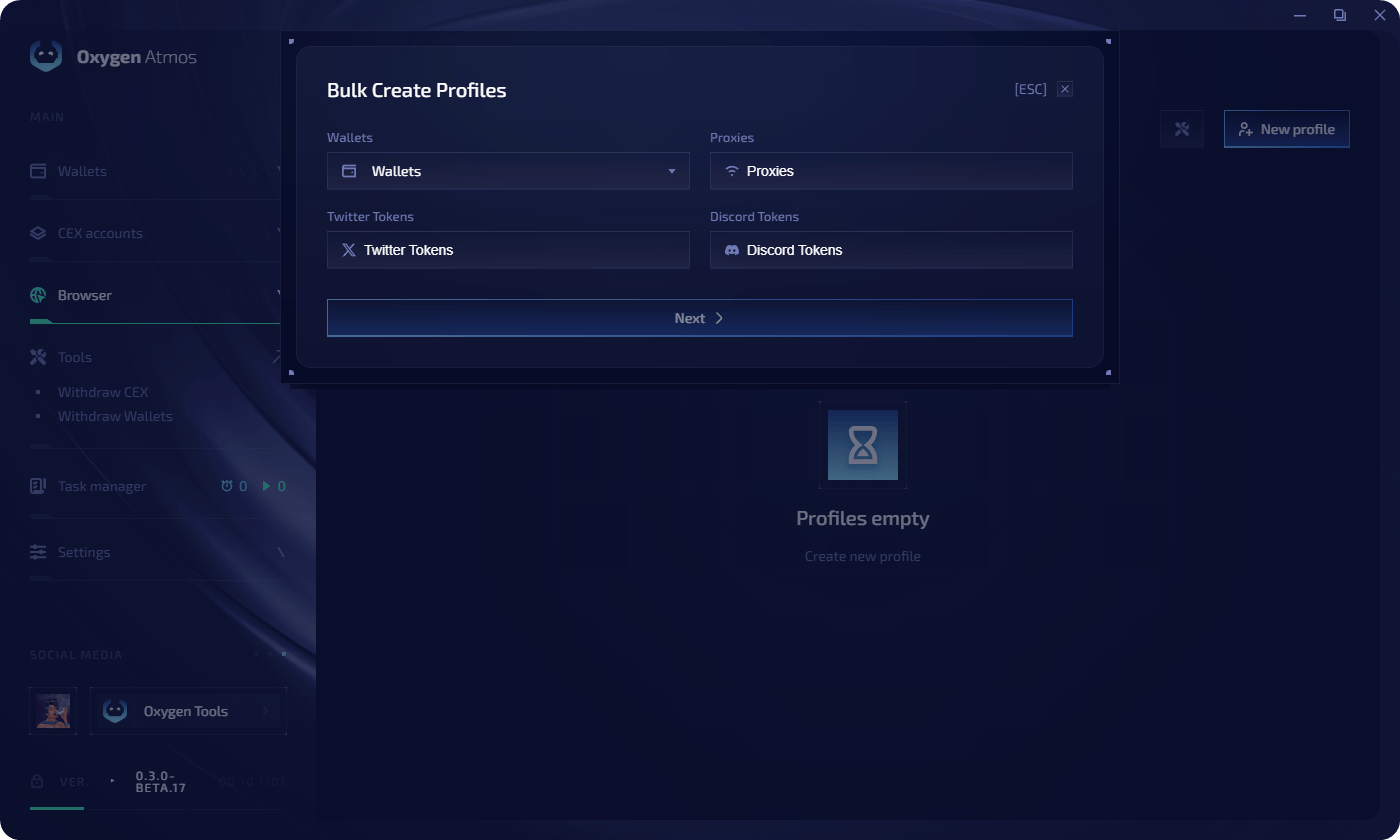
- Wallets — create profiles from selected wallets
- Proxies — assign proxies (one per line, applied sequentially to profiles)
- Twitter Tokens — assign X.com tokens by row order
- Discord Tokens — assign Discord tokens by row order
3
Match rows
Each selected wallet becomes one profile. Proxy lines and token lines are matched to selected wallets by row order.
4
Review and import
Review the generated profiles in the table. Oxygen Atmos checks wallets, proxy input, social tokens, and fingerprint availability before import.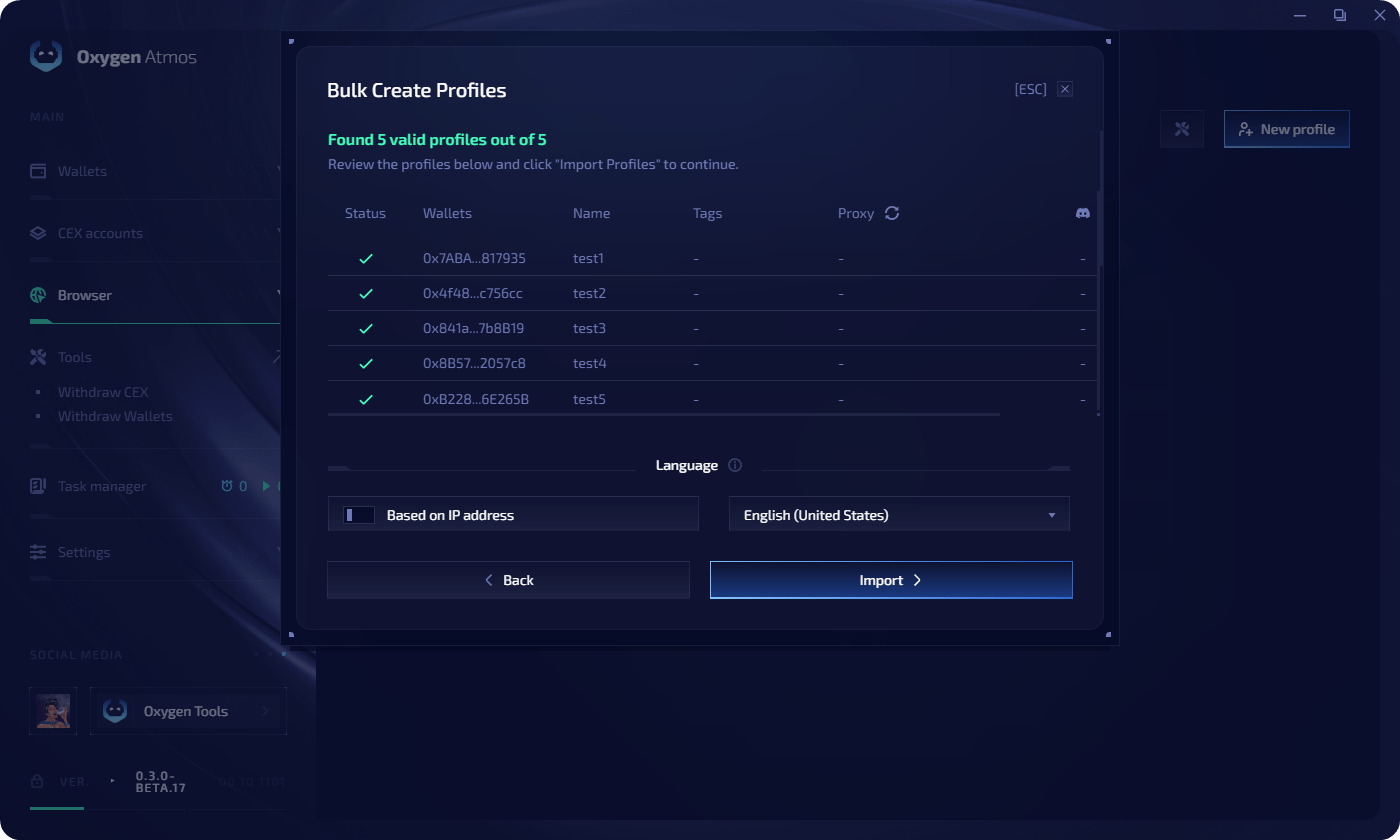
5
Choose language
Select the language setting for the generated profiles, then click Import.
Import from file
You can also import profiles from a CSV, XLS, XLSX, or Numbers file.1
Download the template
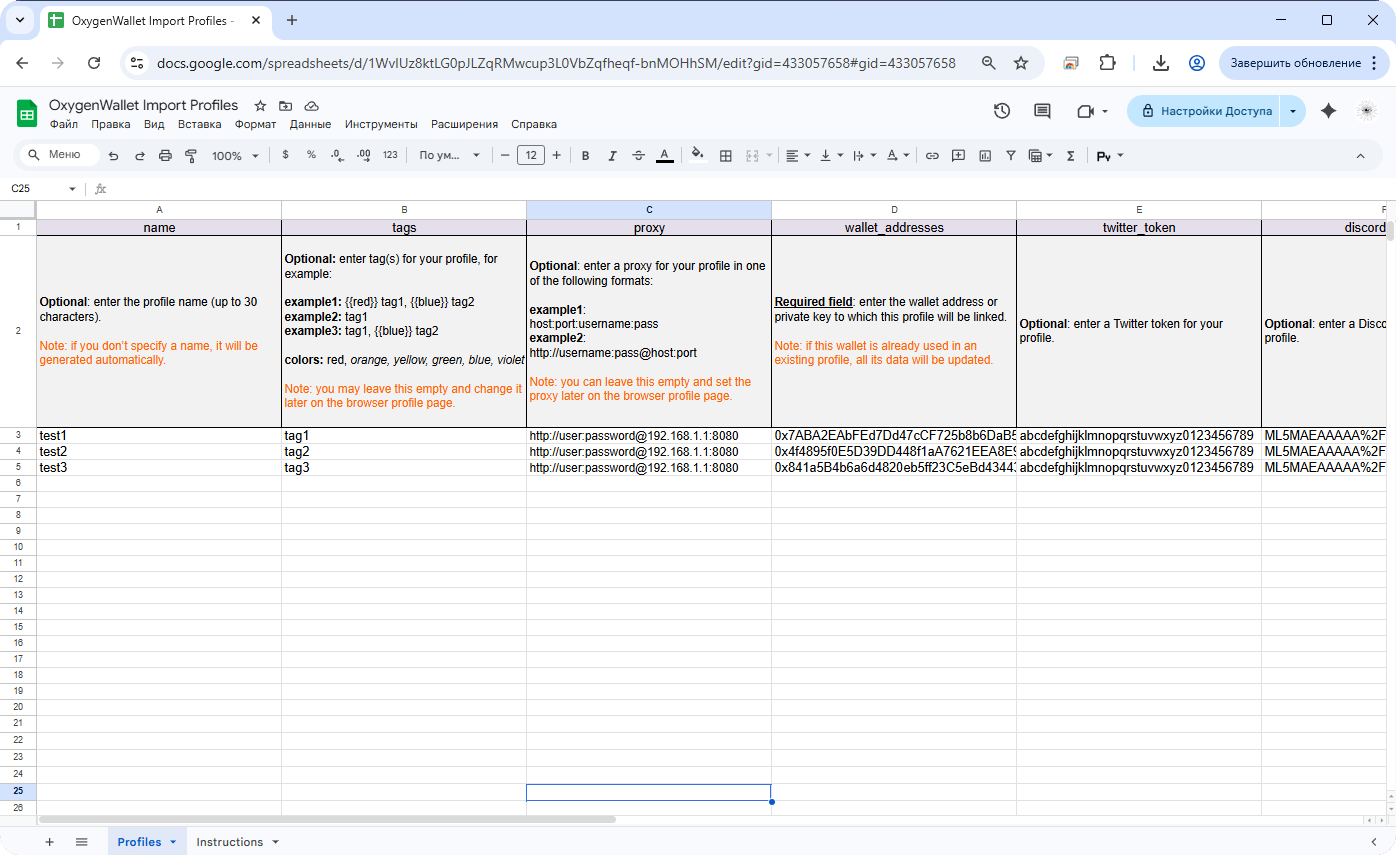
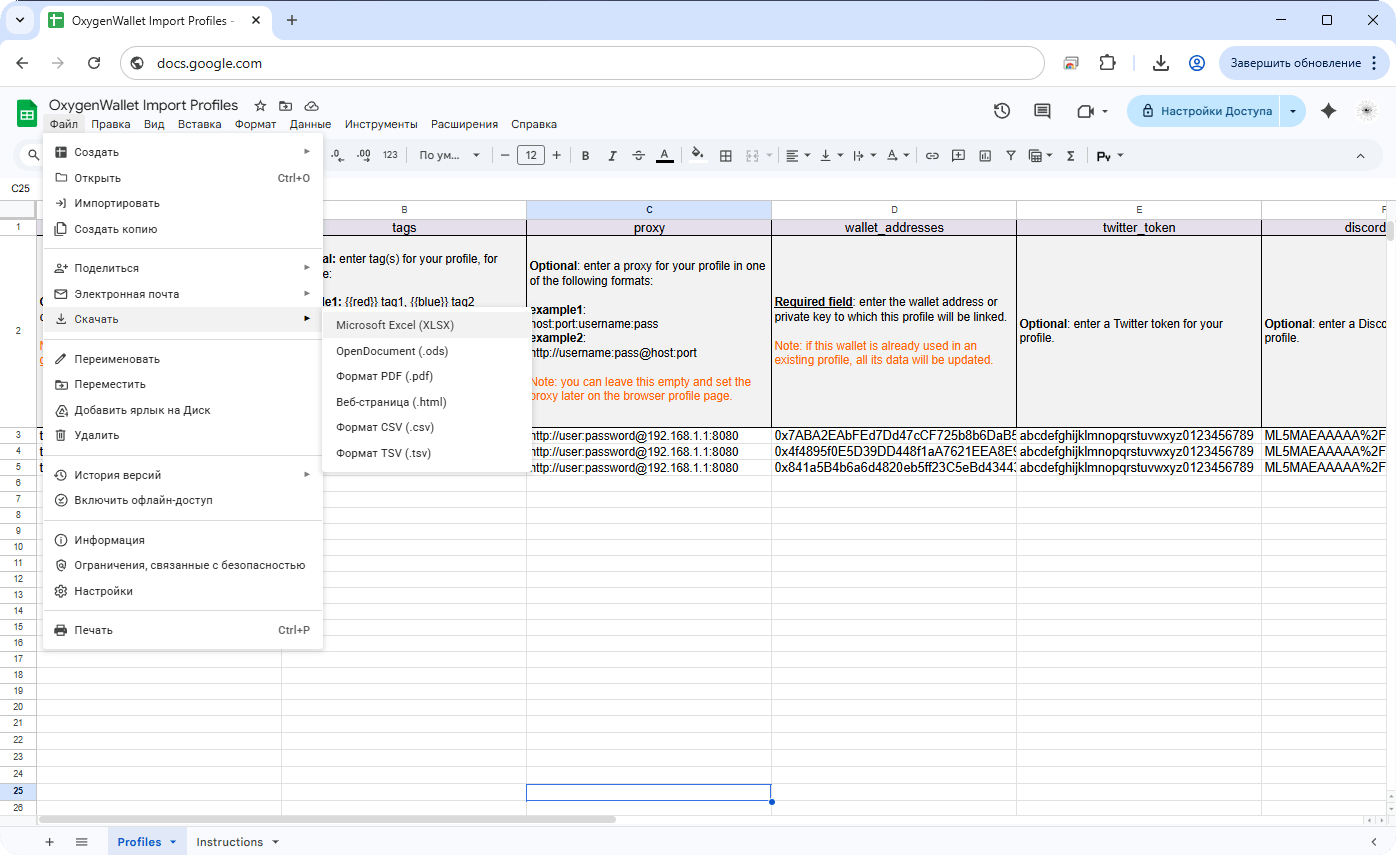
In the file import dialog, download the template in your preferred format or choose that you already have a file.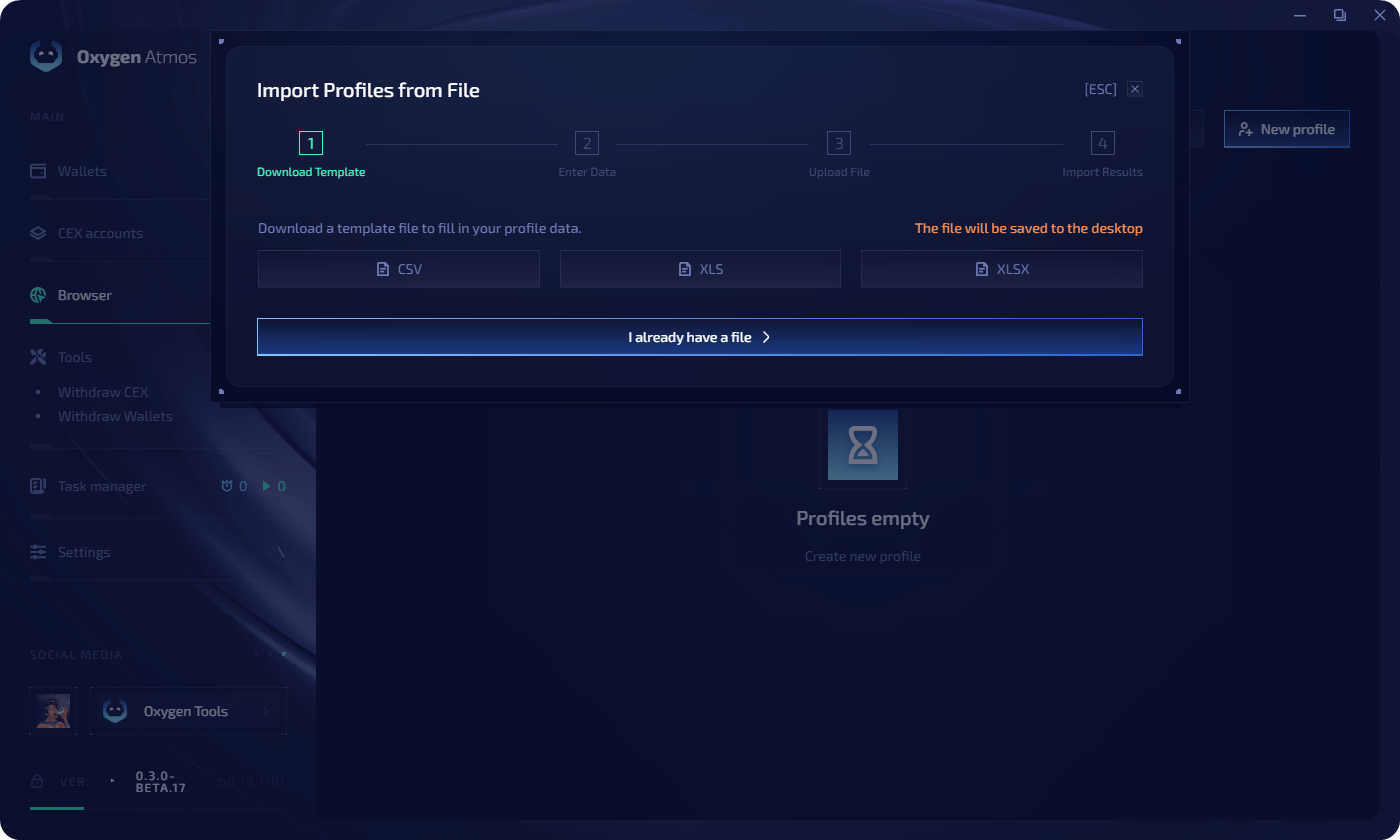
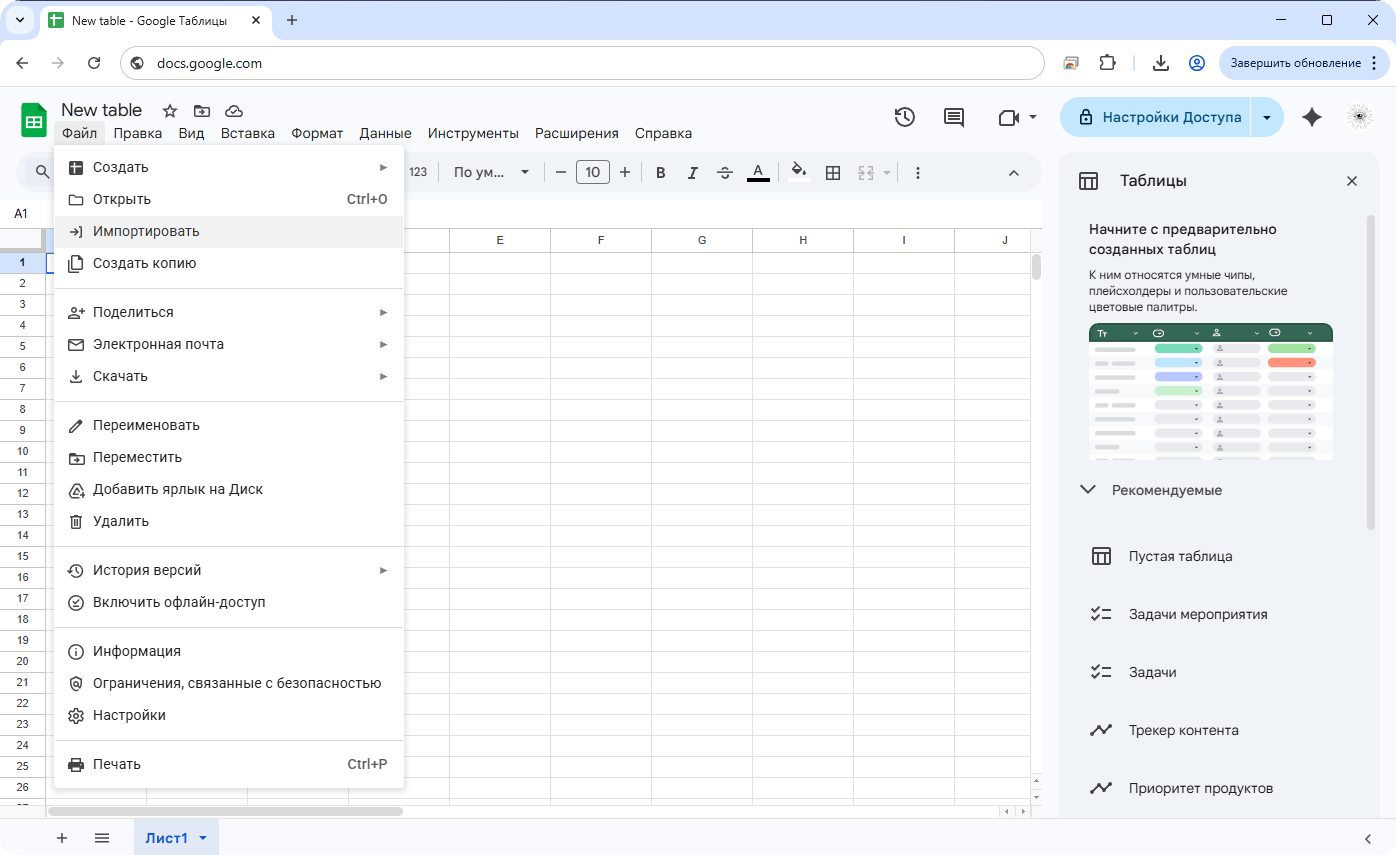
- Step 1
- Step 2
- Step 3
2
Fill in the template
The template includes columns for profile name, tags, proxy, wallet addresses, X.com token, and Discord token.
3
Upload the file
Upload your file by dragging it into the upload area or clicking Select.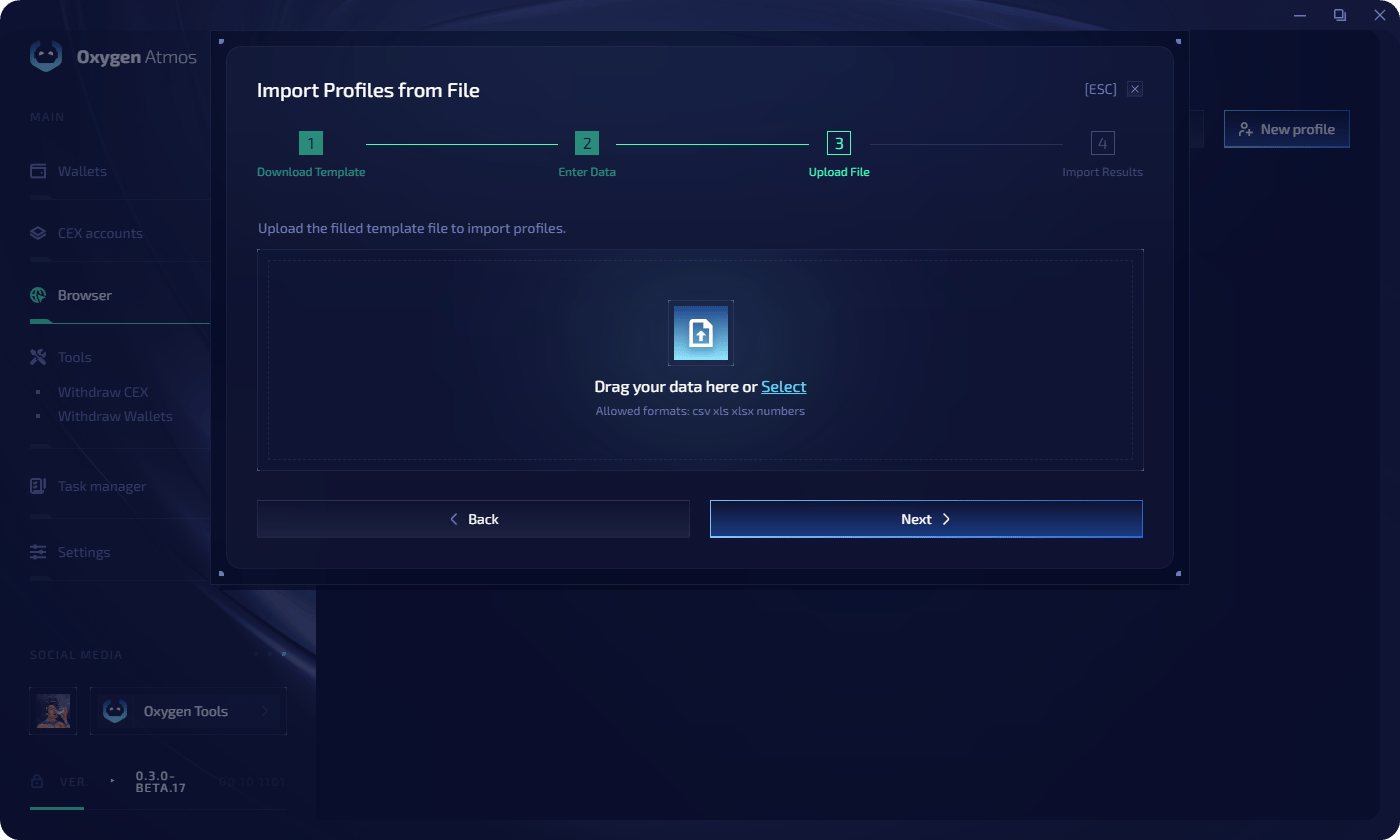
4
Review import results
Review the parsed profiles in the table, then click Import to create or update them.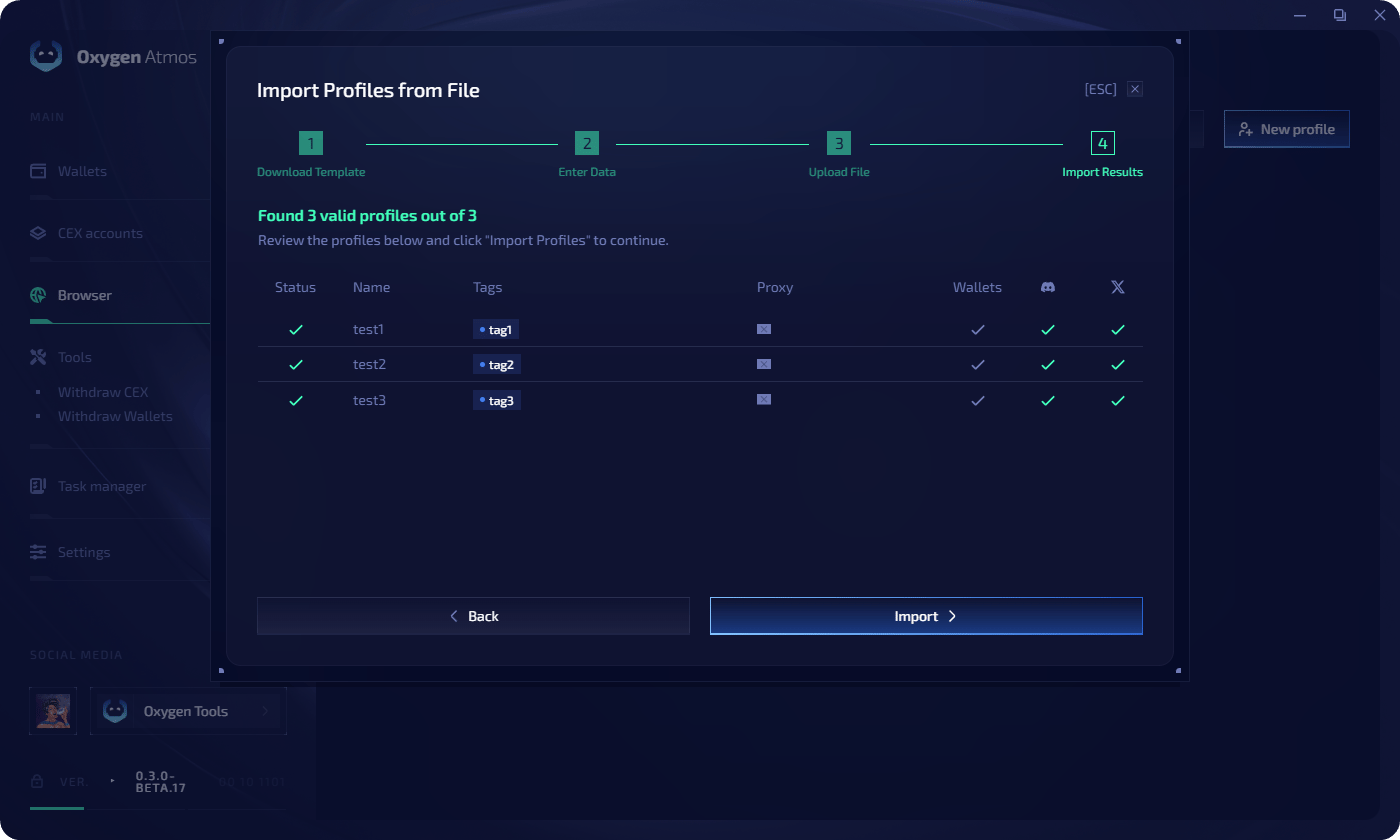
File template
The CSV template uses these columns:twitter_token column imports an X.com auth_token cookie. The discord_token column imports a Discord local storage token. Both are stored securely and applied during the next browser profile launch.
Proxy format
When assigning proxies during bulk creation or file import, use one of these formats:Tips
- Assign tags during creation to group profiles by campaign or purpose
- Use file import for large batches where you need per-profile configuration
- Keep proxy country, language, timezone, and geolocation settings aligned for each profile group